Help Tech has been a leading manufacturer of electronic aids for blind and visually impaired people for over 30 years – for everyday life, school and work. We offer a wide range of innovative solutions – from Braille displays and reading systems to electronic magnifying visual aids and software. Help Tech operates nationwide and has advice centres in Hamburg, Cologne, Marburg and Stuttgart. Comprehensive services: Consultancy, application to the cost bearer and much more.
Kontaktangaben
Adresse
Help Tech GmbH & Co. KG Brunnenstraße 10 72160 Horb Germany
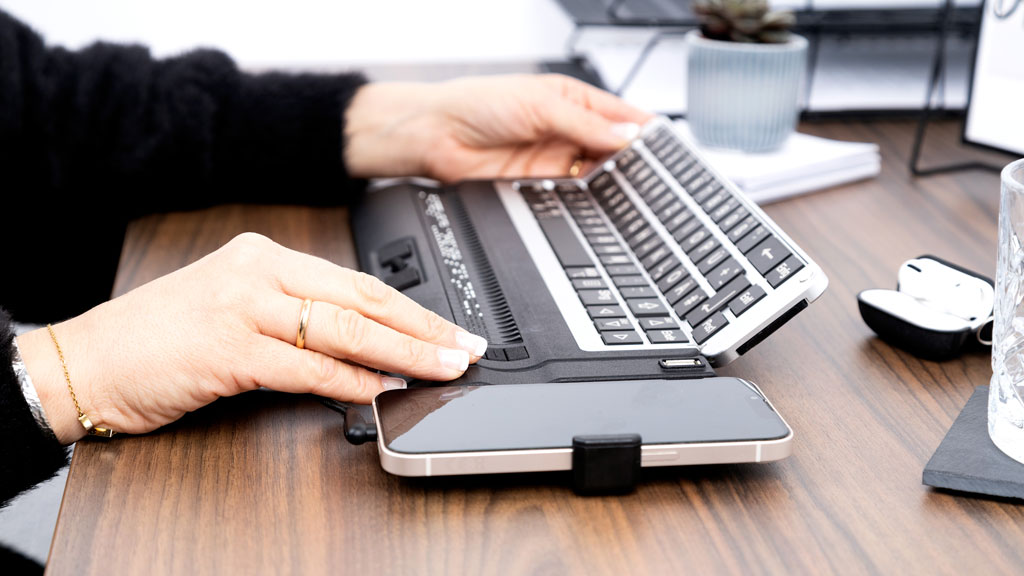
The Activator is the first iOS braille display to combine a foldable QWERTZ and braille keyboard. With 40 concave braille cells featuring cursor routing, built-in contracted braille translation, and over 30 hours of battery life, it ensures maximum productivity in everyday use. When paired with your iPhone, it opens up new possibilities for communication, organization, and mobile use—supported by SmartDock, a USB port, and the free HelpTech+ app.
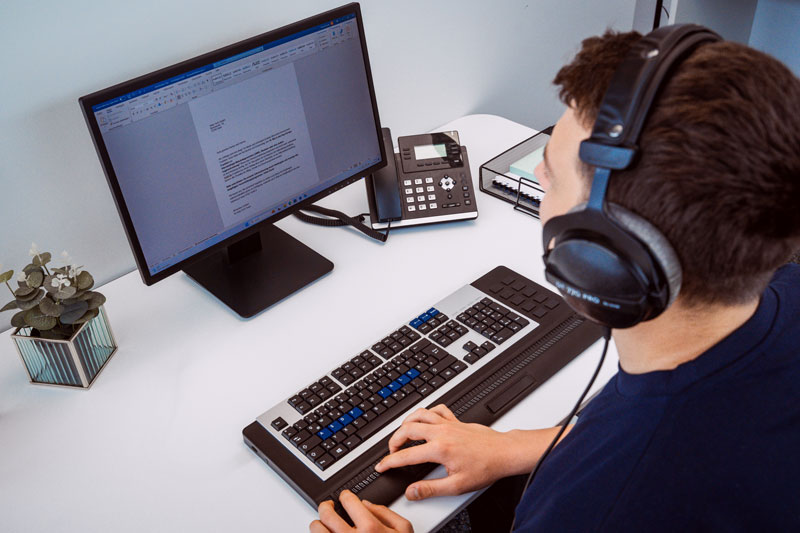
The Activator Pro, available with 64 or 80 Braille cells and an integrated QWERTY keyboard, offers maximum ease of use for professional applications. A row of function keys, customizable QuickAccess keys, and macro functions allow you to tailor your workflows precisely and efficiently.
ActiveSplit redefines multitasking: Split the Braille display and control two devices simultaneously—for even greater efficiency in your daily work.
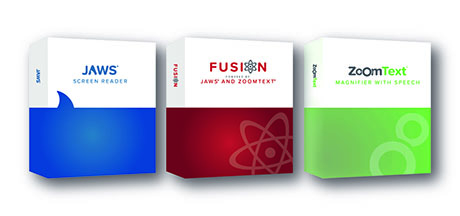
Fusion combines the JAWS screen reader and ZoomText magnification software into a powerful solution. Use both features together or separately—for accessible computing regardless of the degree of visual impairment.
At Help Tech, you can get Fusion as well as JAWS and ZoomText, with custom JAWS adjustments if needed. This is how we make industry-specific software accessible and create optimally adapted workstations.
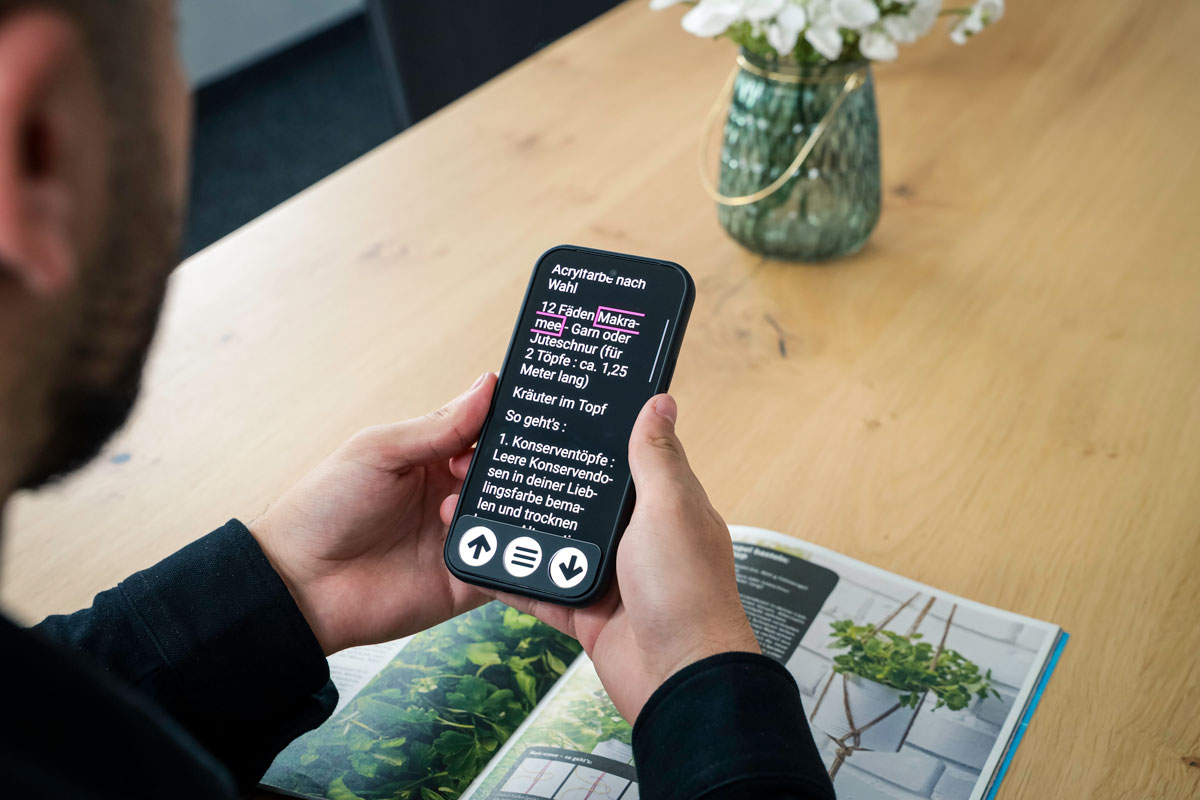
Discover a new way to read with innovative AI features: VoxiVision recognizes printed text, objects, the surrounding environment, products, currency, colors, and much more—quickly and reliably. Easily access information and navigate your daily life with greater ease. Now available with assistive technology number (07.99.04.8001).
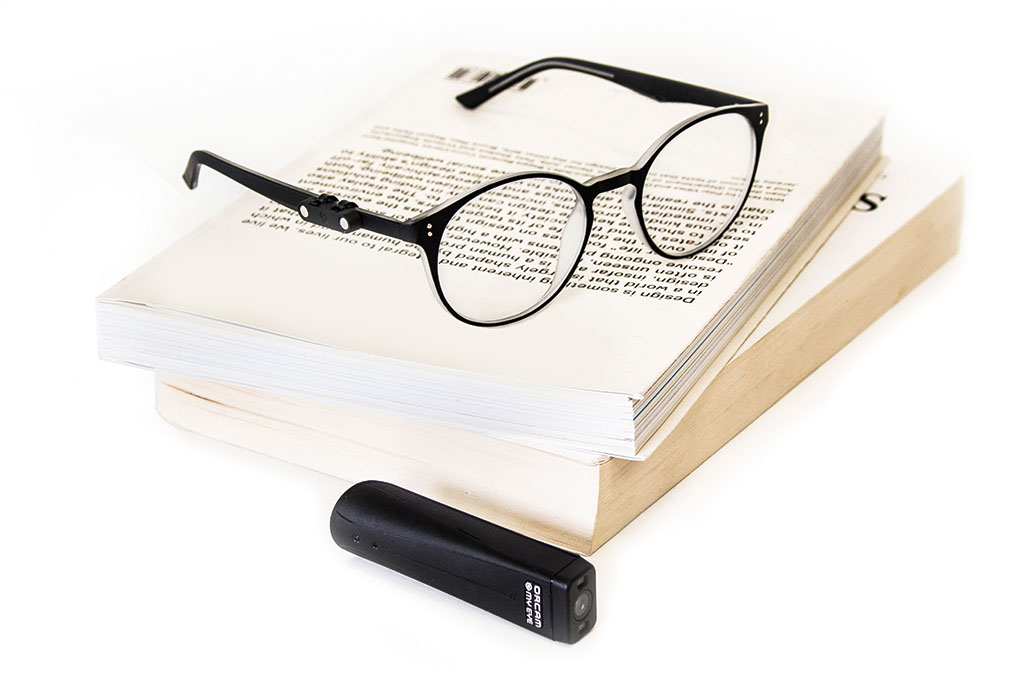
Be inspired by this revolutionary technology and discover a new way of reading! OrCam MyEye reads printed text at close and distance range, recognizes faces, barcodes, banknotes and colors.
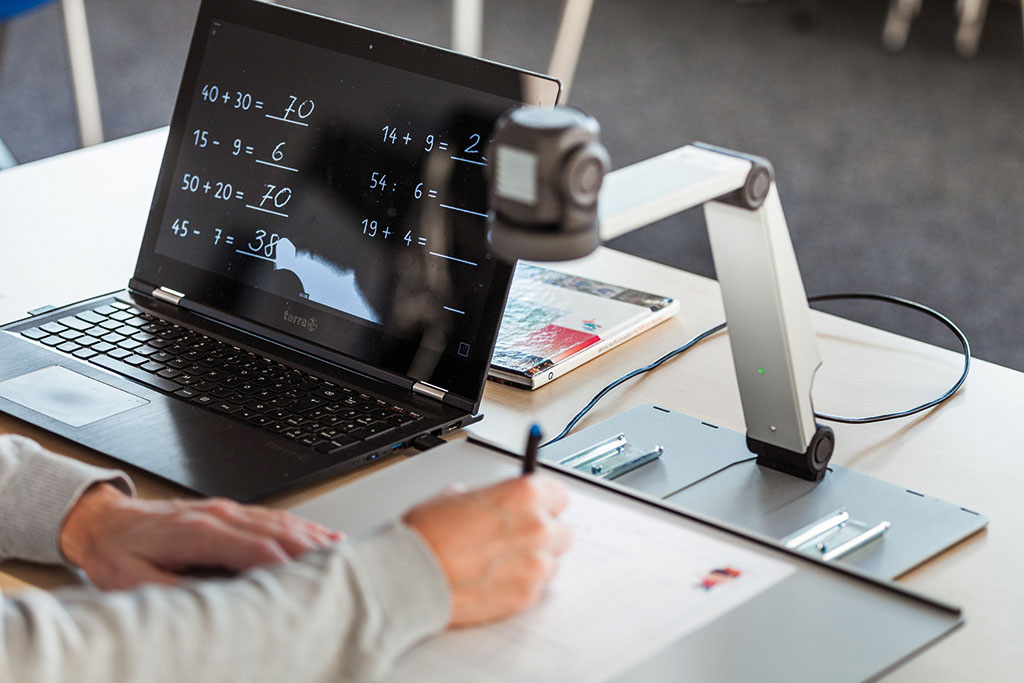
The ZoomCam is a portable close-up and telephoto camera designed for use in schools and the workplace. It delivers a sharp, stable Full HD image and is exceptionally easy to use—with an optional text-to-speech feature. Compatible with Mac, Windows, and Android.
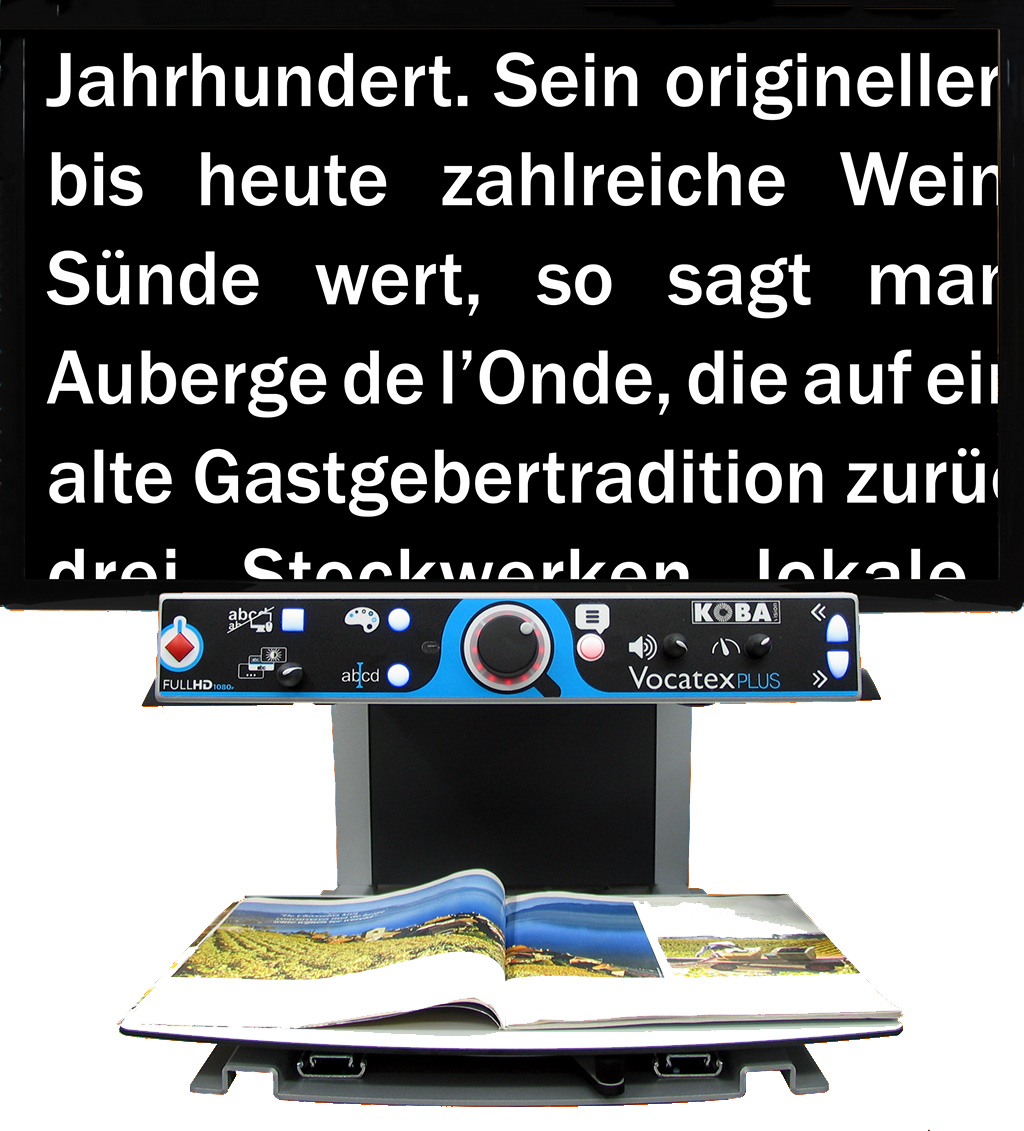
Enlarge text and images with crystal-clear clarity: The Vocatex is a Full HD screen reader designed for maximum visual comfort. Thanks to its built-in text-to-speech feature, content can be read aloud in up to 33 languages upon request.
The Clover 5 electronic magnifier offers comfortable vision for everyday use—it’s compact, lightweight, and easy to use. With 4x to 20x magnification, a high-contrast 5-inch display, and customizable color schemes, it helps you read and see fine details. Ideal for use on the go and at home—for greater independence in daily life.
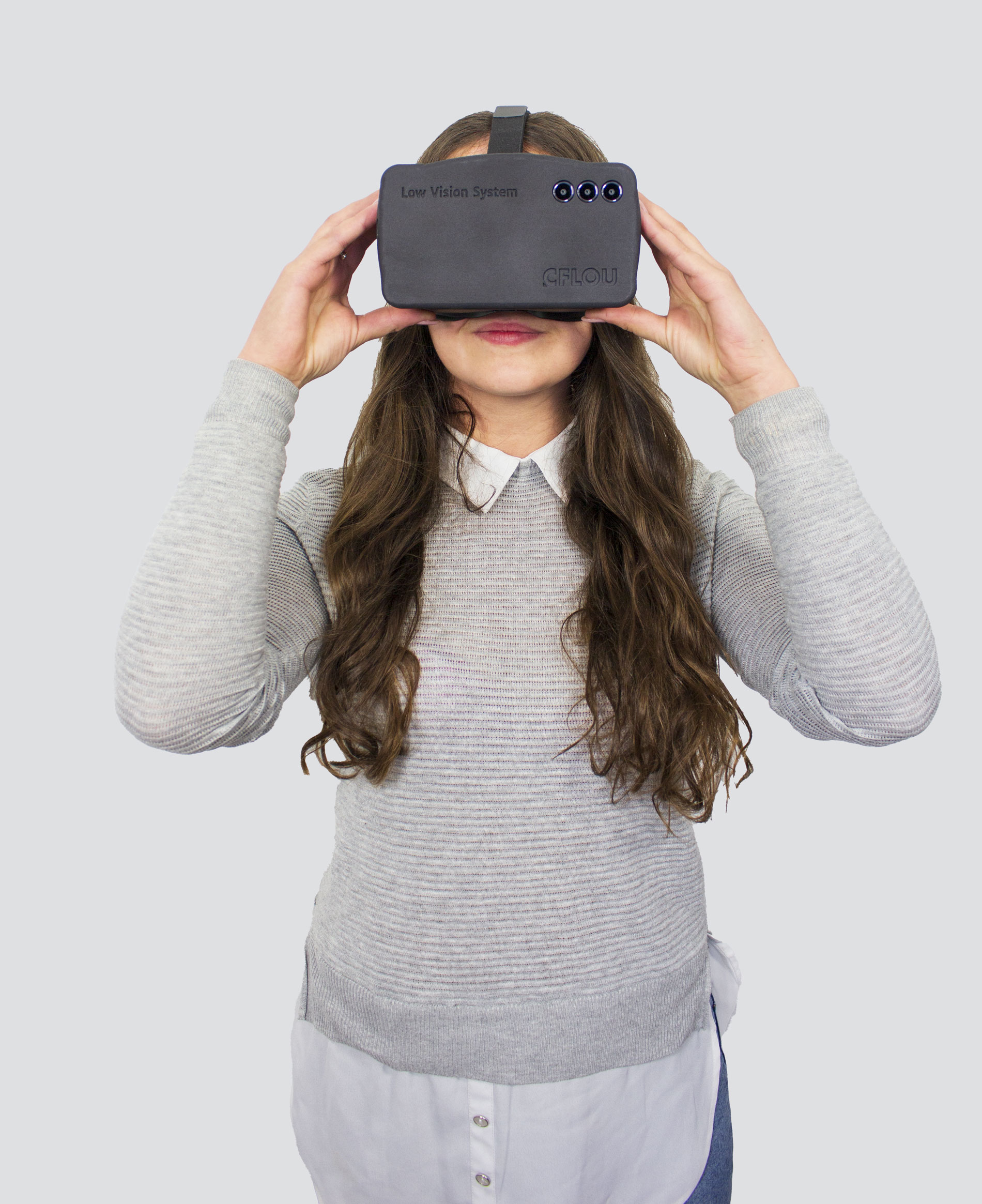
The EyesReality low-vision simulation glasses allow users to experience visual impairments firsthand. Over 25 eye conditions, such as macular degeneration, glaucoma, and retinitis pigmentosa, are simulated realistically—offering a lasting shift in perspective. Ideal for training, counseling, raising awareness, and inclusive design. Foster understanding and experience firsthand how important accessibility is.
Tabli
A standalone communication system designed to work with a Help Tech Braille display. Enables direct, real-time dialogue between Braille and text—compact and ideal for mobile use.
Help Tech+ app in combination with a Braille display (e.g., Activator or myBraille)
The integrated Braille dialogue enables communication via iPhone or iPad. Texts are read aloud, and responses are entered via voice input or the on-screen keyboard—flexible for everyday use.
Note The exhibitor is solely responsible for the content of the exhibitor presentation both on the organizer’s website and on the website of the respective exhibitor. The organizer assumes no responsibility or liability whatsoever.